TechInfo Daily — Plain-English fixes for everyday tech
Windows Fixes
Windows troubleshooting fails when a fix gets applied before the fault is located. Only four layers can break: hardware, firmware, Windows itself, and something you installed. Work out which layer you are in, and the right repair picks itself.
Muhammad Hassan · Updated Aug 11, 2026 · 8 min read
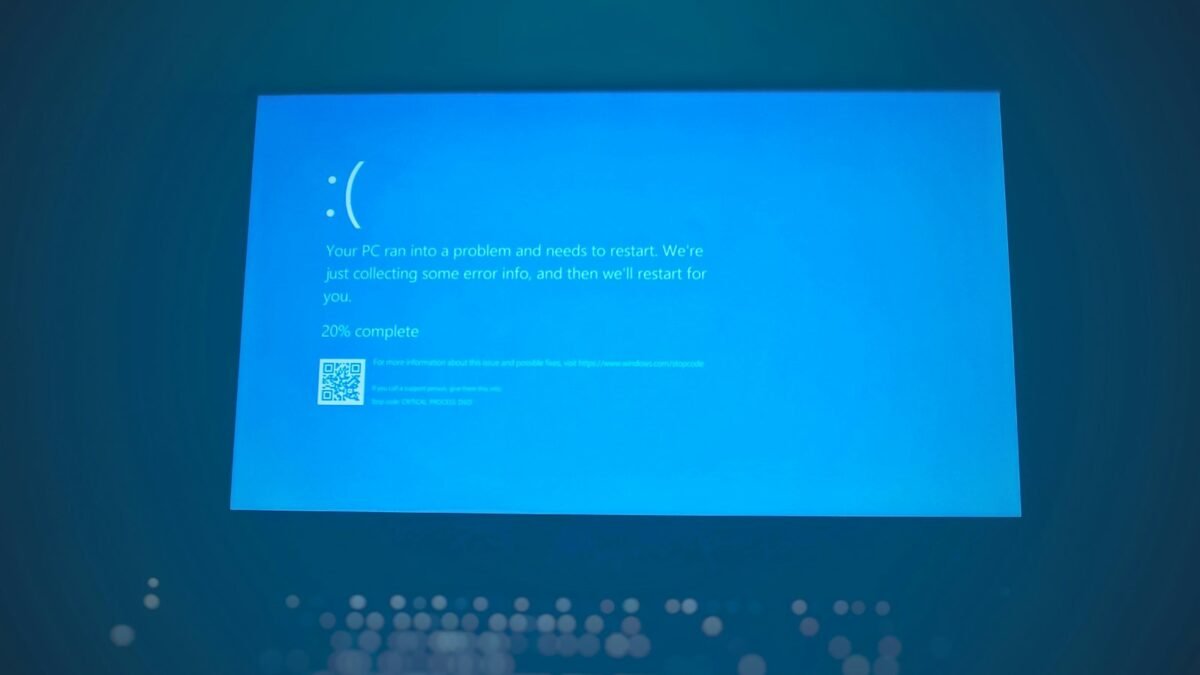
Every Windows stop code, what it actually means, and the fix that works for it. Written for the moment your PC just restarted itself.
When Windows stops doing something it did yesterday. Step-by-step repairs for sound, startup, the Start menu, Safe Mode and Secure Boot — each one starting with how to find the actual cause instead of guessing.
Moving to Windows 11, checking whether your PC qualifies, and reinstalling cleanly when it is time to start again. Includes what the requirements really mean and how to get around the ones that are only firmware settings.
Keyboards and mice — why they fail, how to repair them rather than replace them, and how to keep them working. Written for the person holding a screwdriver, not a warranty form.
The settings worth changing on a new Windows machine, and the ones people spend an hour looking for — S Mode, hidden files, local accounts and keyboard shortcuts.